AlcheClip vs Opus Clips: the high-quality alternative
Opus Clips is one of the most widely-used AI clip generators. Its big strength is workflow polish and a large feature surface (face tracking, AI b-rolls). Where AlcheClip wins: every clip's finish quality — captions, sharpness, color — is dialed in by the pipeline rather than left to the user.
Free tier · 1 job/month · no credit card
The truth nobody tells you
AlcheClip vs Opus Clips — full comparison
Only features that actually affect what creators post.
Comparison based on publicly documented features at the time of writing. Opus Clips is a trademark of its respective owner and is not affiliated with AlcheClip.
What a single AlcheClip job actually returns.
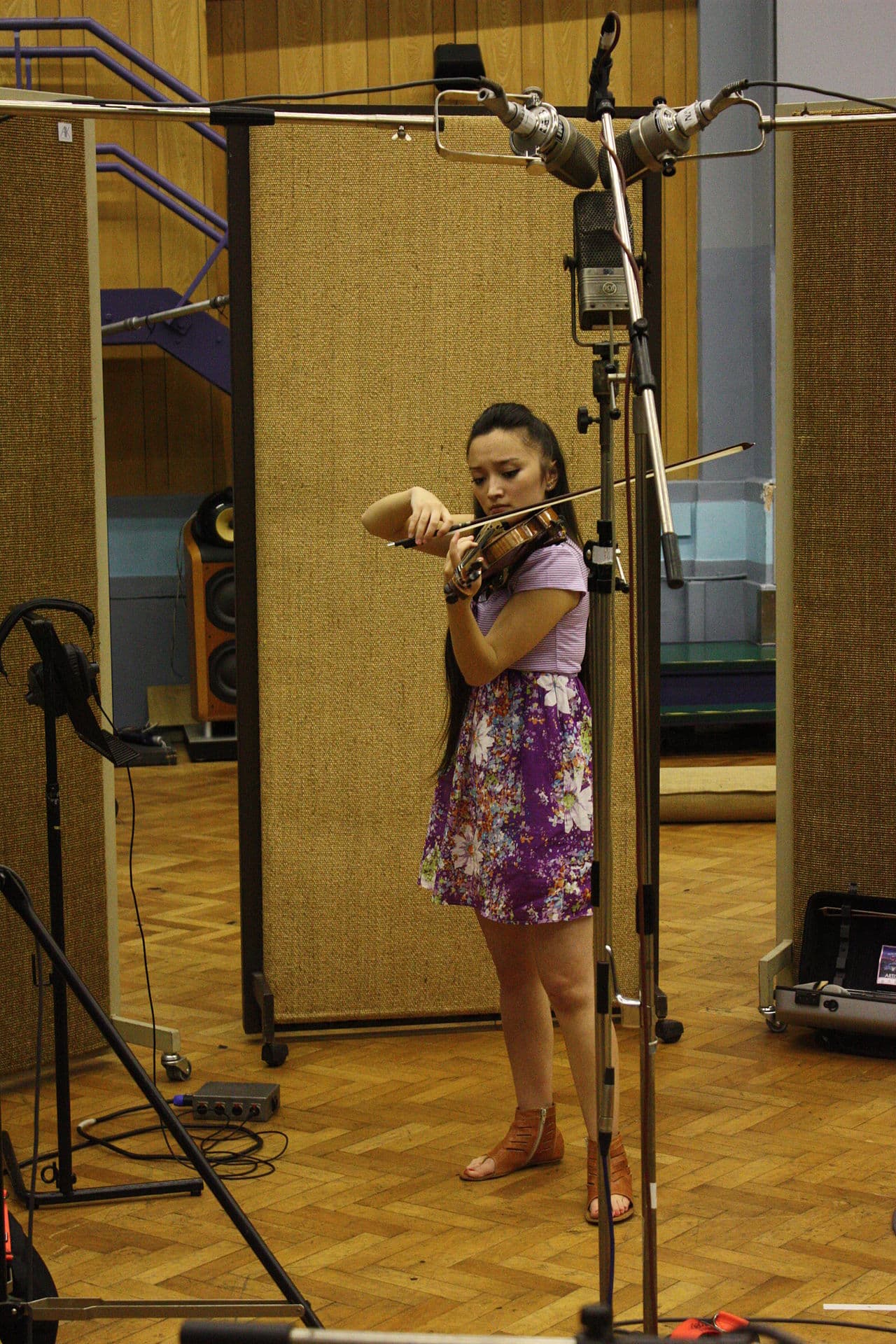
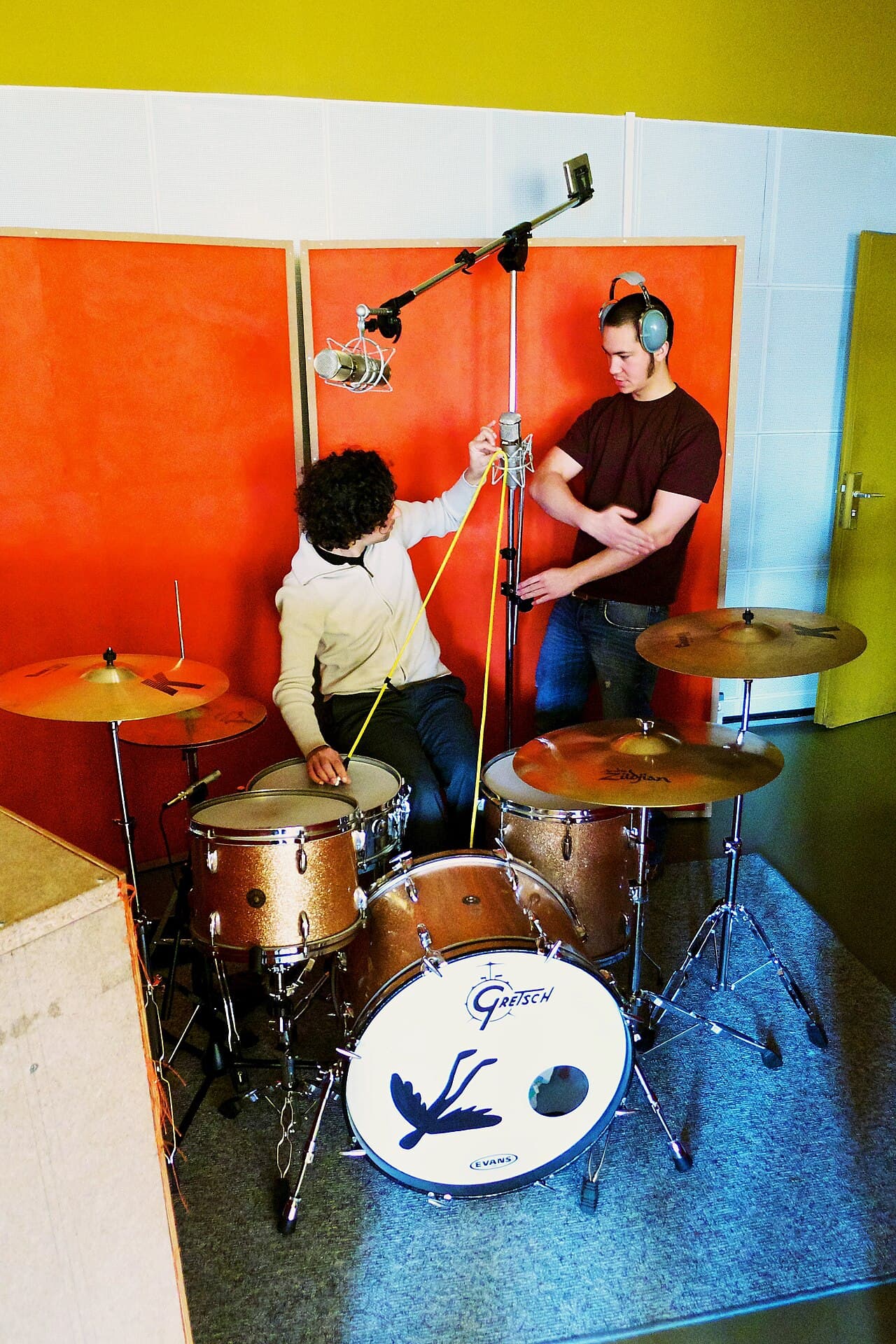
Six clips from one podcast episode — each a different caption style, word-level burned in, color graded, 1080p, hook-scored. No editor opened, no caption synced by hand.
The truth nobody tells you
I quit my
The sound that changed
This
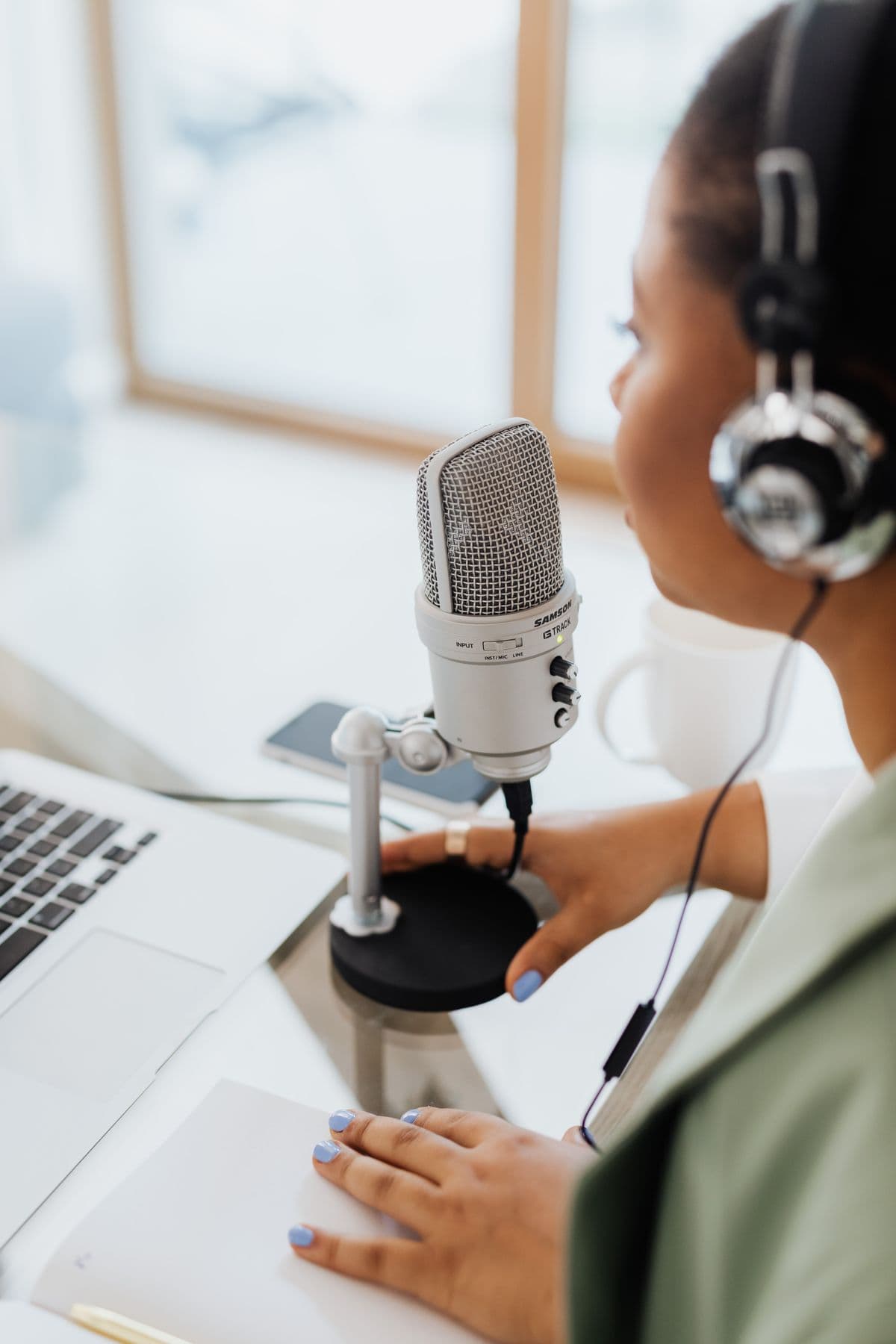
What nobody says about building
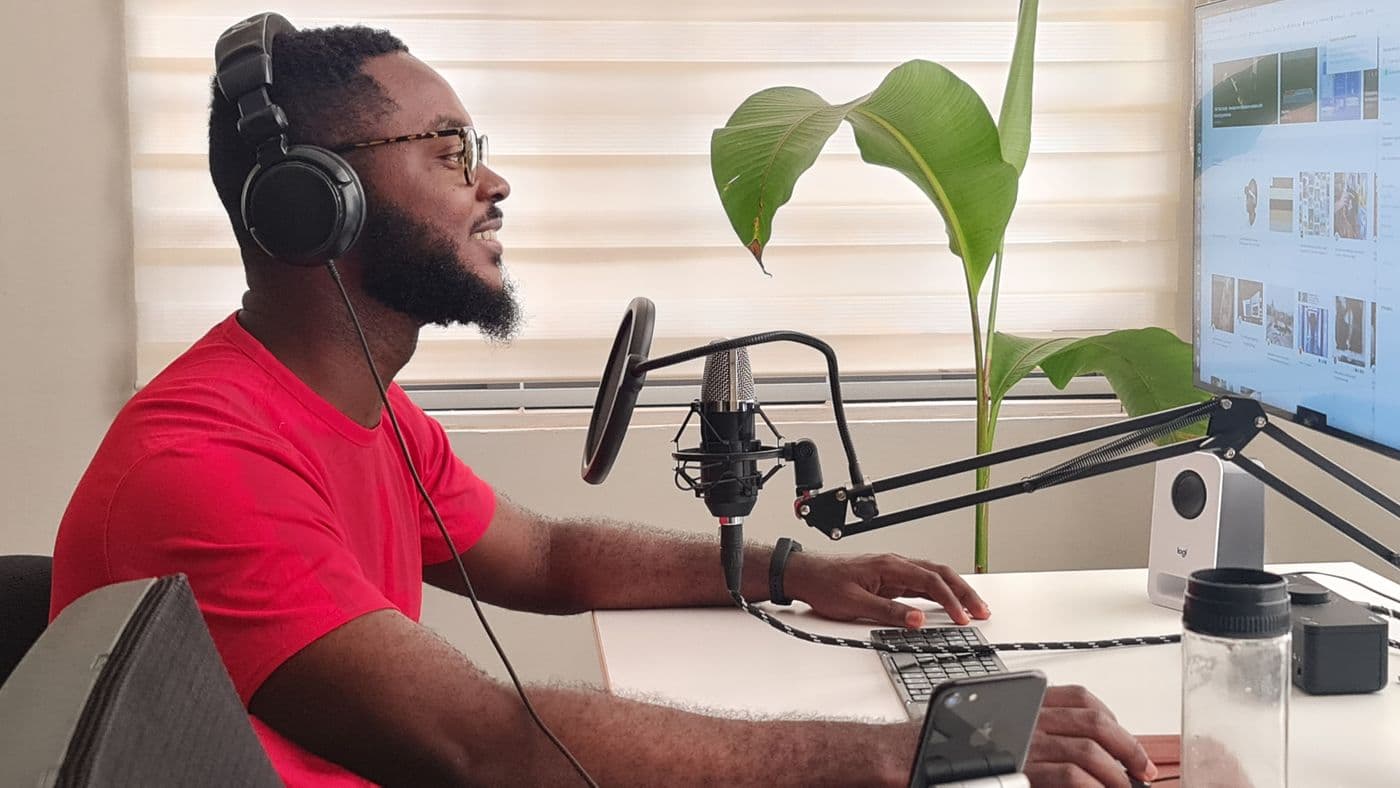
do this before you turn
Photos are real licensed studio stock; captions, scores, and titles are illustrative of the AlcheClip output style. Your clips run the same captioning, grading, and scoring pipeline.
When AlcheClip wins. When Opus Clips might still be your pick.
Pick AlcheClip if…
- You want the highest-quality finished clip — sharp 1080p, color graded, word-captioned.
- You want visible monthly enhanced-processing credits and explicit top-ups.
- You want no watermark on paid plans.
- You run a podcast, interview show, long-form YouTube channel, or livestream and repurpose heavily.
- Caption style and on-screen legibility directly impact your retention.
Pick Opus Clips if…
- You specifically need features AlcheClip's MVP doesn't ship yet — face tracking, AI b-rolls, multi-language dubbing.
- You're on an existing enterprise contract and switching costs are high.
- You prefer a larger legacy product with an established community, even at a quality tradeoff.
What you actually get, verifiably.
We're building in the open. Every claim below is shipped and testable on the free tier — receipts in the changelog.
Word-level karaoke captions
Every word is individually timed from the transcript and highlighted as it's spoken — burned into the pixels, not a subtitle track.
Pick before you render
The pipeline scores candidate moments first and waits. You choose which clips are worth rendering — compute is spent only on keepers.
Enhanced 1080p output
Slow-preset H.264 encodes with sharpening, denoise, and color grading. Vertical, square, or widescreen from the same source.
Translate + dub
Revoice a video into another language with AI narration, or translate just the captions and keep the original audio.
Watch a channel, get clips
Point AlcheClip at a YouTube channel and new uploads turn into branded clips automatically. No clicks.
An API for clippers
Submit jobs and pull finished clips programmatically with scoped API keys. Built for agencies and automation.
Why creators trust AlcheClip
Encrypted in transit
Every upload, signed URL, and download served over TLS. Nothing leaves your browser unencrypted.
Private by default
Sources stay in private storage with short-lived signed URLs. Auto-deleted 30 days after upload.
No training, no resale
We never train models on your videos and never resell your footage. Your content stays yours.
Cancel anytime
Monthly billing. Cancel from the Stripe portal in two clicks. No retention dark patterns.
Stripe-secured billing
Card details never touch our servers. Processed by Stripe with PCI DSS Level 1 compliance.
Common questions
Is AlcheClip a good alternative to Opus Clips?+
Yes. AlcheClip is one of the strongest Opus Clips alternatives for creators who care about output quality. It produces word-level burned-in captions, 1080p Lanczos-upscaled 9:16 video on paid plans, plus color-graded and denoised output.
Why pick AlcheClip over Opus Clips?+
Pick AlcheClip if the final look of your clips matters more than the sheer number of clips generated. AlcheClip bakes in a studio-grade enhancement pass — Lanczos upscale to 1080p, unsharp mask, hqdn3d denoising, color grading, and karaoke-style per-word captions — on every clip.
How does AlcheClip pricing compare to Opus Clips?+
AlcheClip has Free, Creator, and Pro plans with monthly enhanced-processing credits, plus explicit credit packs for heavier months. Compare your source minutes and workflow needs against Opus Clips pricing to know which is cheaper for your volume.
Does AlcheClip put a watermark on clips?+
No watermark on the Creator ($49) or Pro ($119) plans. The Free tier may include a small attribution. Pro delivers fully unbranded 1080p MP4s.
Other AlcheClip comparisons
Comparing against a different AI clipper? See how AlcheClip stacks up: